
I’m bursting with enthusiasm over this next lesson, I’ll detail the reason as we follow through here:
The sample app here is a Date Planner. Starting out they mention NavigationView. This is deprecated yet for this project, it is fine. If you are starting a new app **on iOS 16 or better**, use NavigationStack & NavigationSplitView instead. This is what presents a stack of views over the root view in SwiftUI.
Looking at the App Preview on iPhone mode, we can note the text does not appear. Switch that preview to an iPad to see the text in the center:
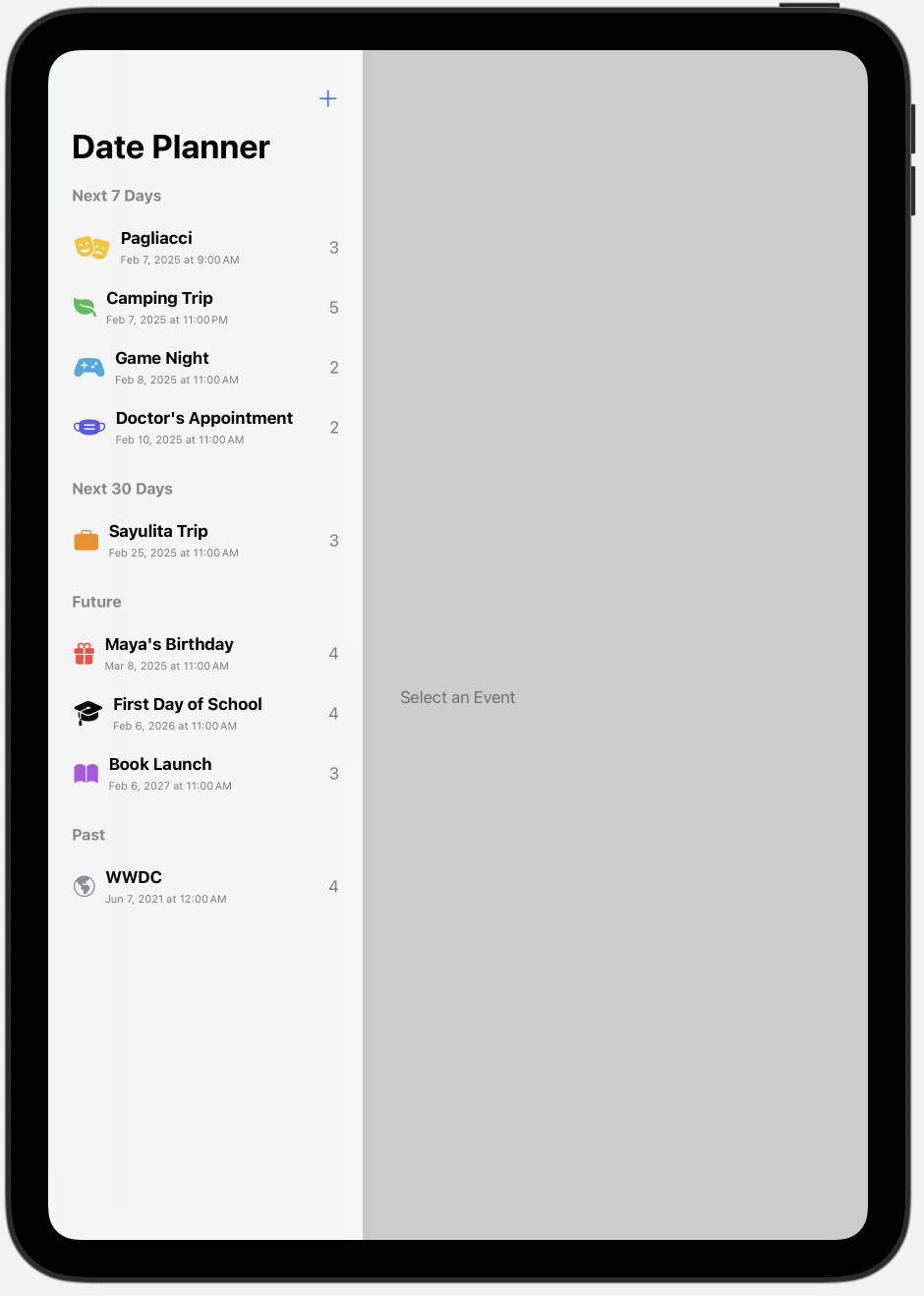
Anyhow, this lesson got me excited on a few different fronts. First off, this is our first time experiencing @ObservableObject. This is a Protocol which allows for the ability to publish updates to anyone listening. Now we have properties which we publish. The view in SwiftUI listens for changes and updates the content. I like that they slowly introduce the idea of having the class with this property outside of our view.
 mvilabrera