
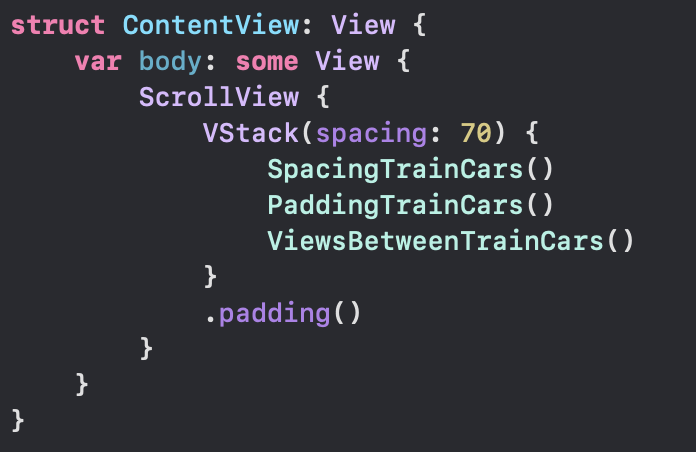
This lesson helped tie things together for me. Start by downloading the app right away, check out ContentView & TrainCar files. We have a VStack embedded in a ScrollView, spacing on the VStack is 70.
We can observe three embedded views, SpacingTrainCars, PaddingTrainCars, & ViewsBetweenTrainCars. Below in the project navigator we see folders for Spacing, Padding and Adding Views.

Immediately I jumped down to the Spacing folder and started looking at all the files. It was fun changing values and seeing the result right away, changing the Dynamic Type & trying all over again.
It seems this lesson brought out the boy in me 👦🏾
At first I did not like the pre-made lesson, now its growing on me
I went through the views, adding a background and saw they don’t layer the way I would figure they should. Let me give an example:

I colored backgrounds here at the top. Scaled Spacing has different shades of gray. Zero Spacing has the 🇮🇹. So what?
I drilled down to TrainCar & gave it a background too. The Image inside the body of TrainCar was given a background of .systemGreen.
Looking at all of them, I saw they were all made .systemGreen.
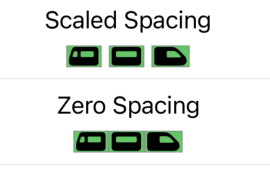
Removing the .systemGreen background modifier at the base level allowed all the colors above to propagate down and display. I feel like there is more I could learn about this lesson, but I want to keep publishing for y’all and wrap this up!
 mvilabrera