
This is something I have been dodging because of block syntax. Don’t see it very often, nor do I understand its purpose- until now.
Most apps nowadays use wireless internet. Sometimes in our haste to deploy a functioning app we forget that our devices will only process one thing at a time, unless we direct it to do otherwise. For my example, I will be borrowing heavily from the iTunes U Stanford lecture #10.
While the main focus of this lesson is the scroll view, another important lesson to gain here is that we make a call for some remote data, there will be a pause. Users hate pauses, and it causes unpredictable, rash behavior.

Let’s say we made an app that downloads a file off the internet. This isn’t a regular file, but a very large photo.
images.apple.com/v/iphone-5s/gallery/a/images/download/photo_1.jpg
images.apple.com/v/iphone-5s/gallery/a/images/download/photo_2.jpg
images.apple.com/v/iphone-5s/gallery/a/images/download/photo_3.jpg
images.apple.com/v/iphone-5s/gallery/a/images/download/photo_4.jpg
Okay- we set it up in the View Controller and everything looks great. Outlets plugged, etc.
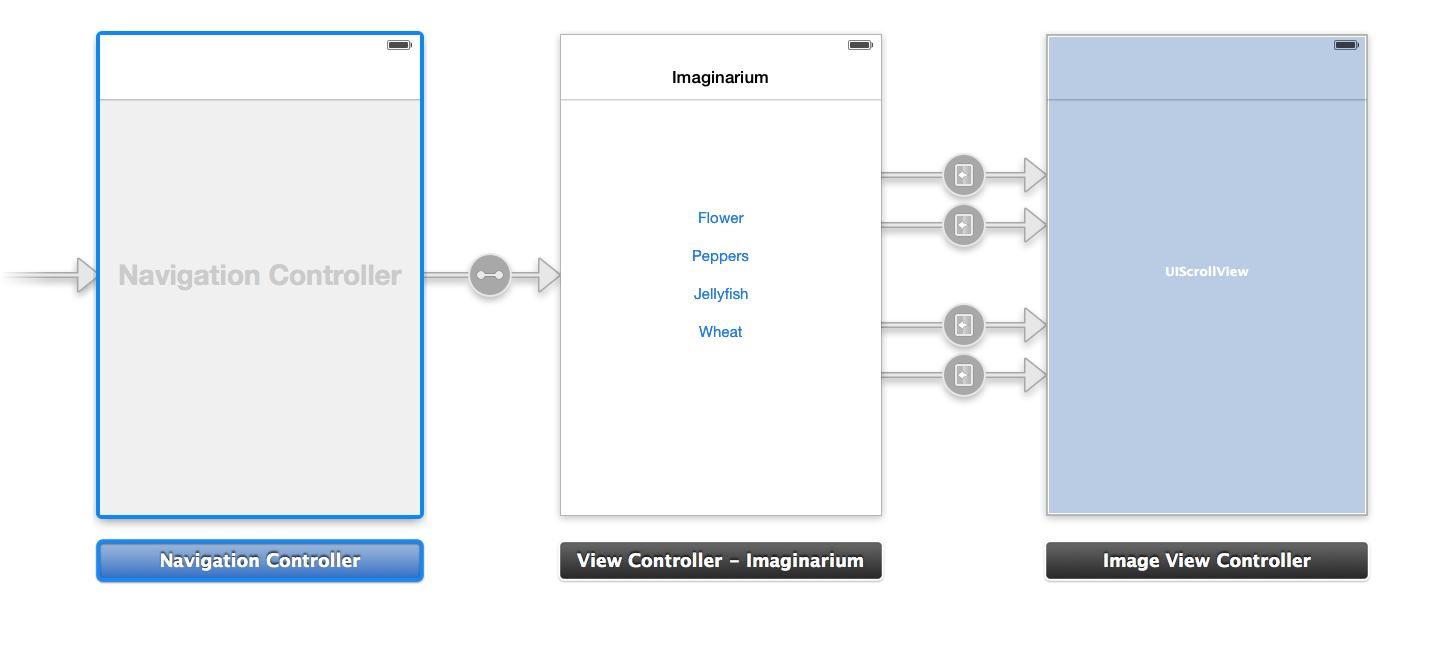
okay. Lets press the button and watch the magic happen!

What’s going on? As mentioned earlier, the app is waiting for our picture to download before giving the ‘OK’ to move to the next scene.
Enter Blocks!
 Not these blocks

This is a block. (props to GoshDarnBlockSyntax.com)
Taking my code from this:

To this:

looks more complicated, and it is (believe me!) But with good reason.
While everything happens (user presses the button) the block will step up and download the image you want in the background. It will let the user retain control of the app by making choices and staying out of a “Frozen” state. Remember, for our users a frozen app is synonymous with crashing, so try to avoid as much as possible!
We also have NSOperationQueue which is separate from the C function dispatch_async() used in the snippet above. Depending on your preference or comfort with C you may wish to use [NSOperationQueue mainQueue] instead of dispatch_async().
 mvilabrera


